Sample Name
Sample Code
Sample Name
Sample Code
Sample Name
Sample Code
4
NXP Semiconductors
NXPI
To comply with regulatory requirements and protect your assets, you are required to verify wallet ownership when depositing from a personal wallet. MCI uses a small test transfer for verification. Follow the steps below:
Step 1: Enter the deposit amount
On the deposit page, enter the amount you wish to deposit.
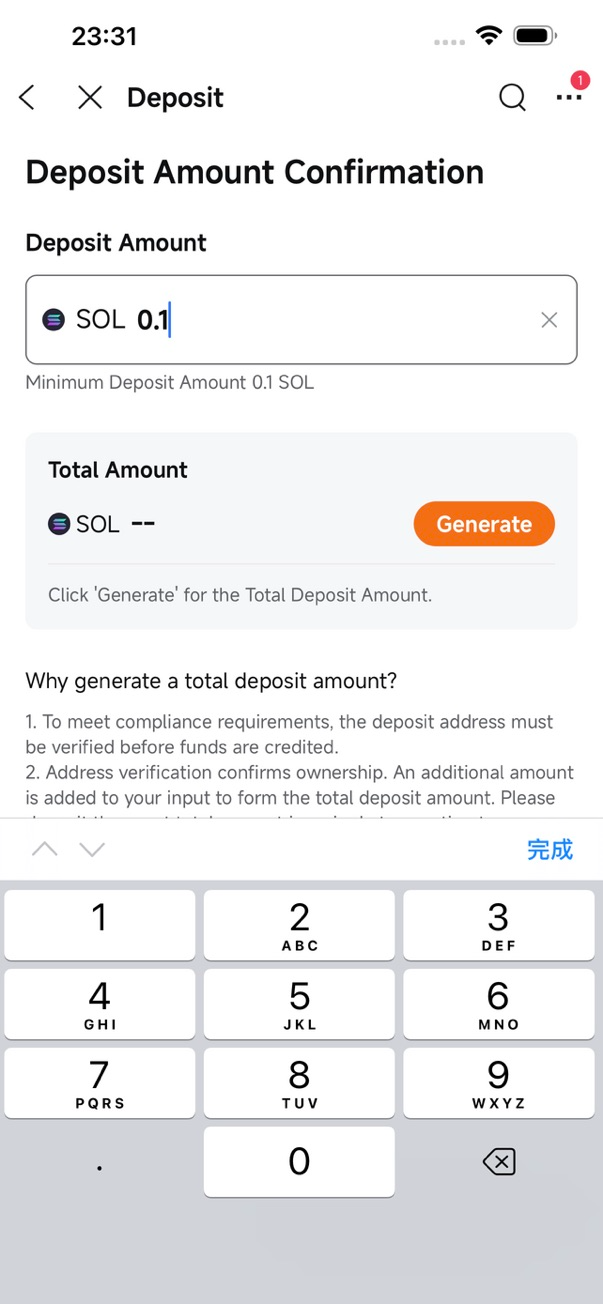
Step 2: Generate the total deposit amount
Tap the Generate button. A small random amount will be added to the amount you entered as part of the small test transfer.
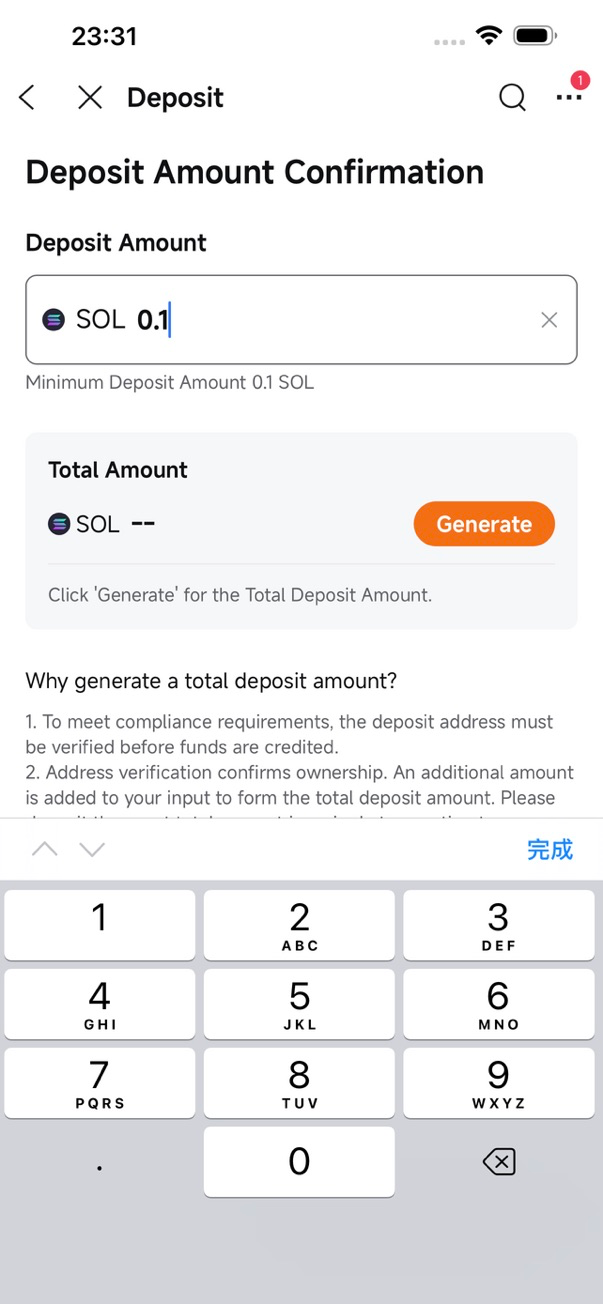
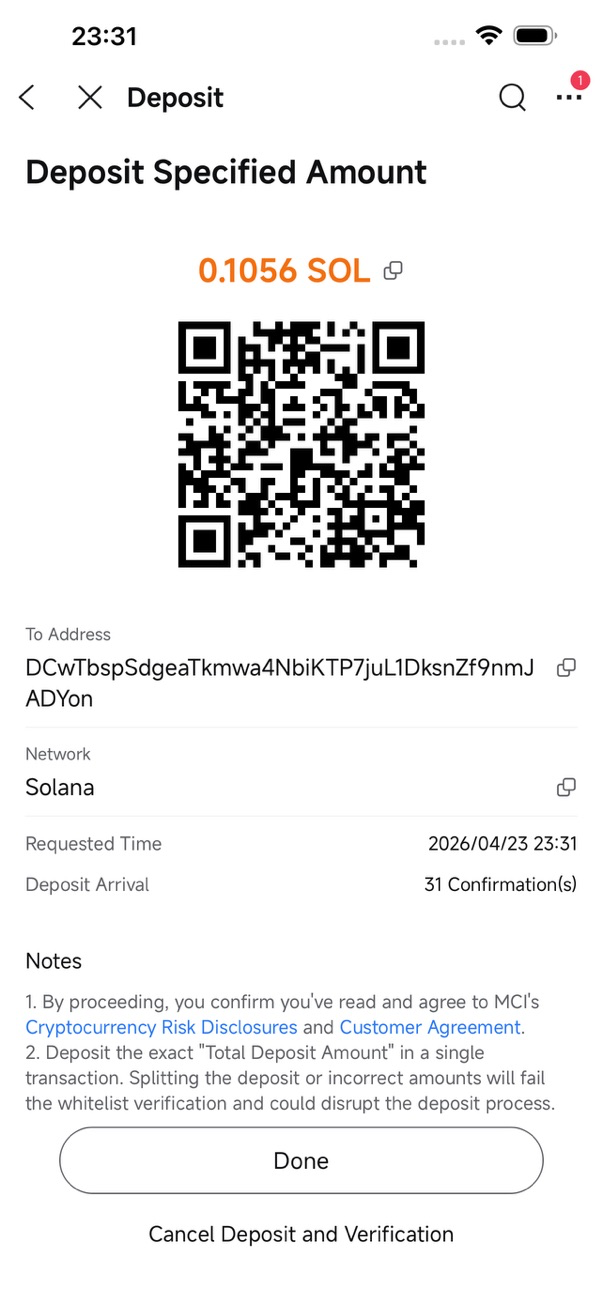
Step 3: Get the deposit address and complete the transfer
Tap the Next button and you will see a QR code, the deposit address, and the total deposit amount. Copy the address and paste it into the withdrawal address field on your source platform to complete the transfer.
Once the transfer is successful and the amount matches the required amount, funds will be automatically credited to your account, and the address will be added to your address whitelist.
Step 4: Deposit using a verified address
Once the address is verified, future deposits no longer require a small test transfer. You can simply enter the amount and make a deposit directly.
⚠️ Due to the nature of UTXO networks, a small test transfer is required every time you deposit BTC.
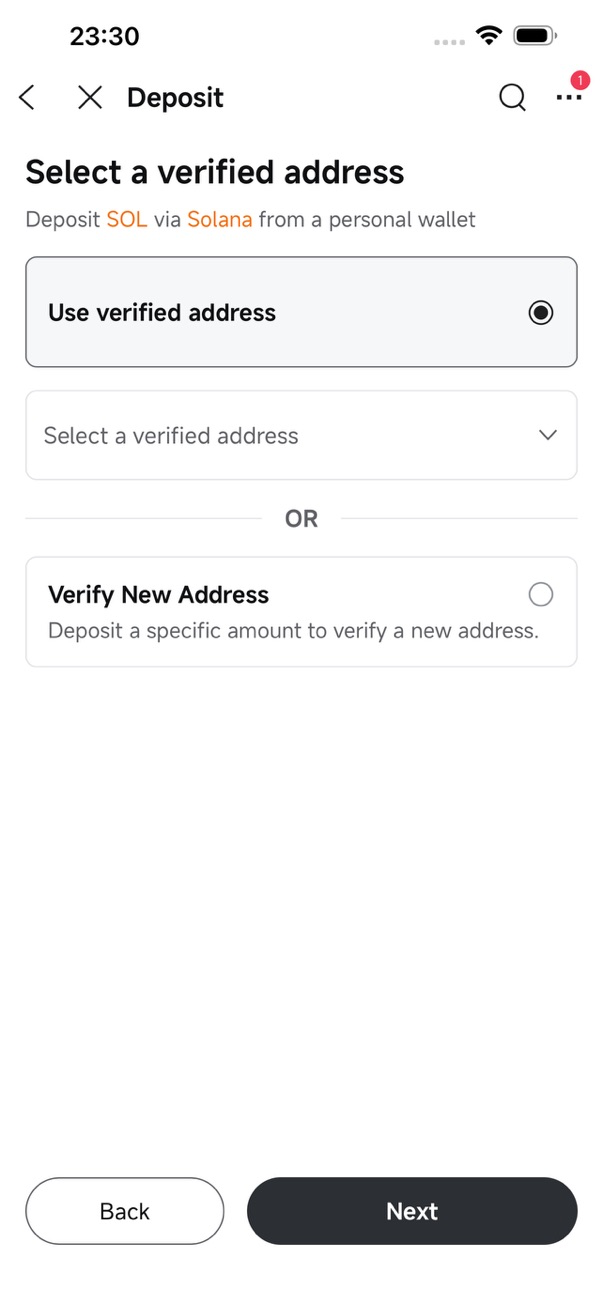
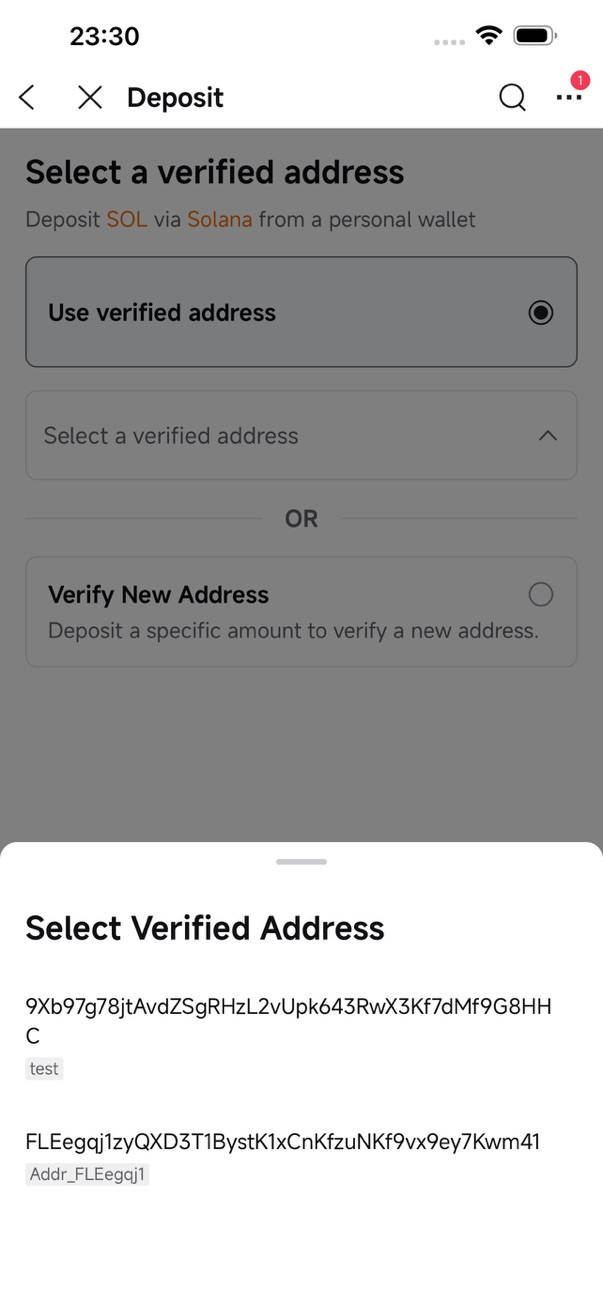
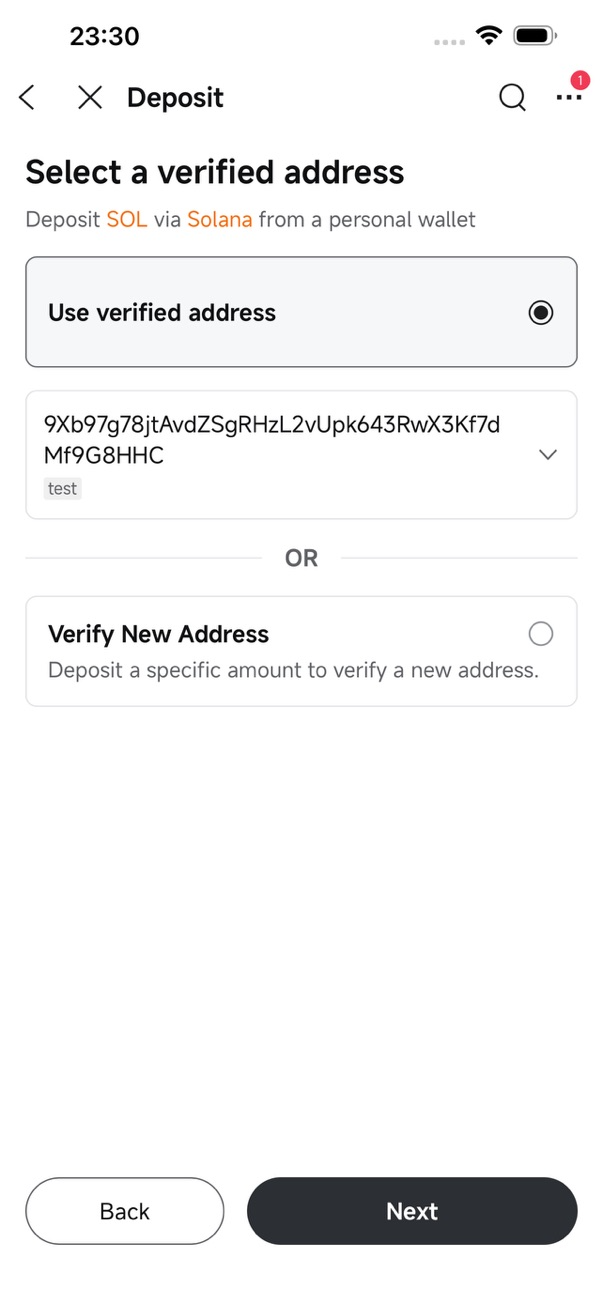
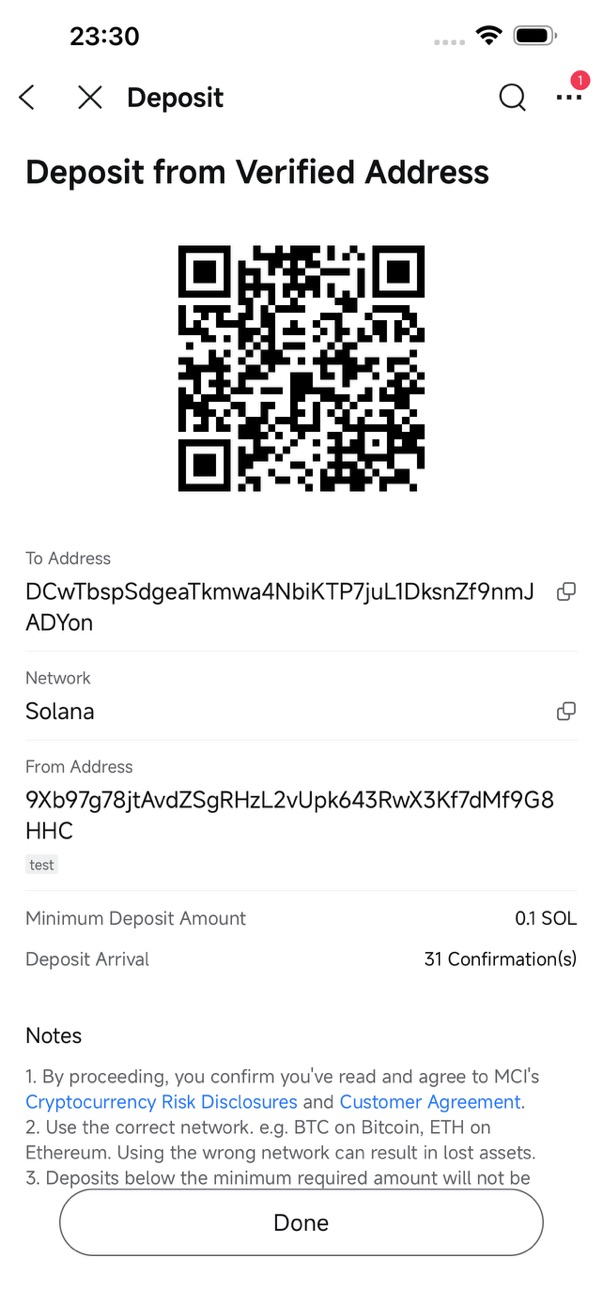
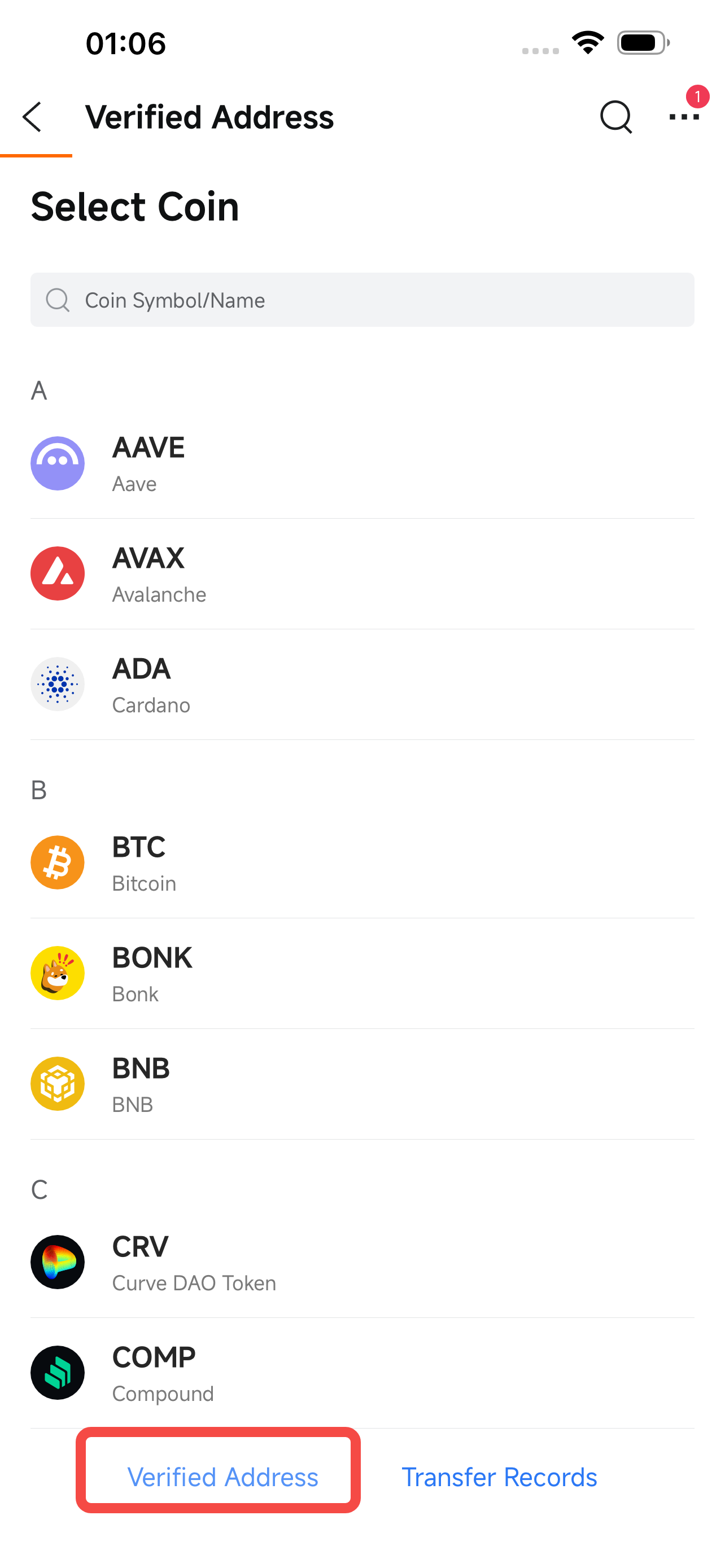
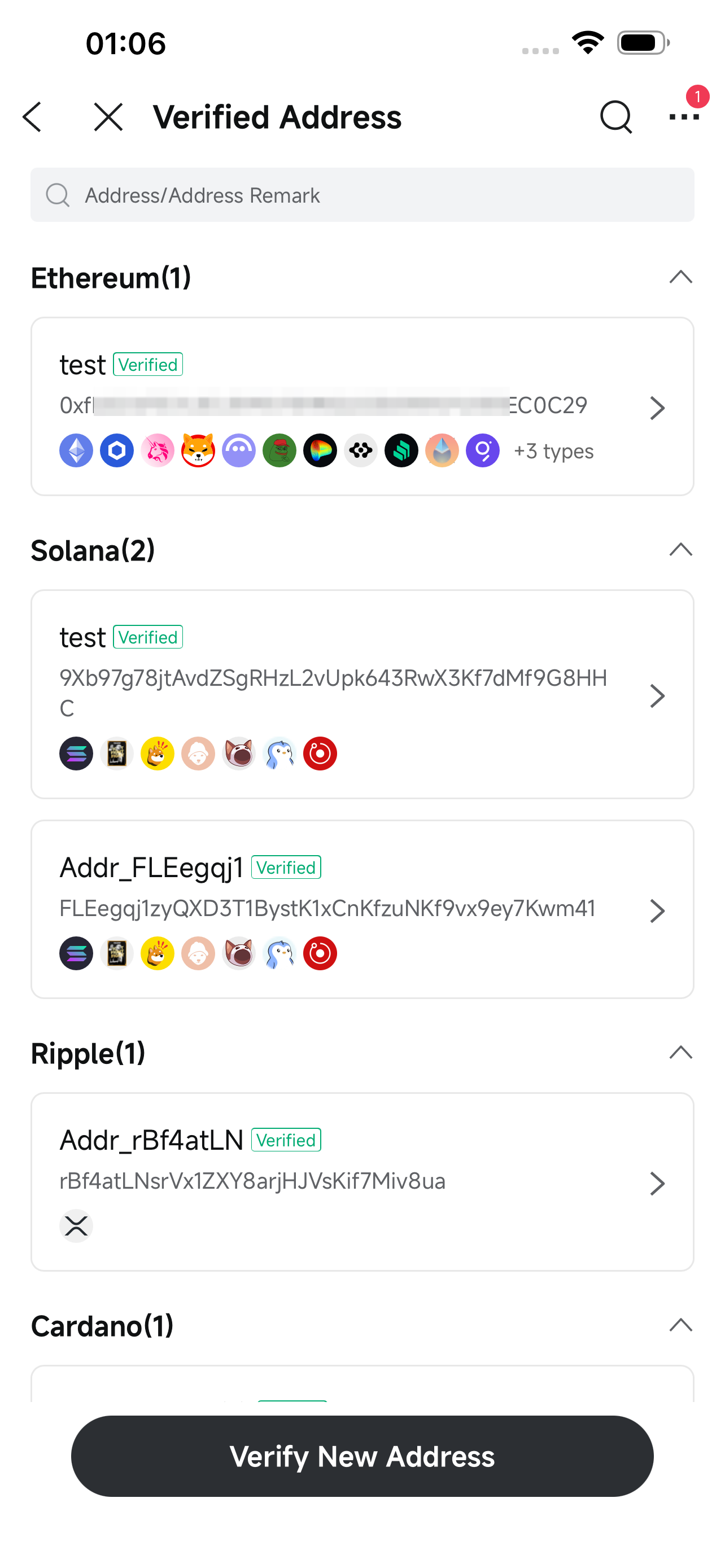
On the deposit page, go to Verified Address to view and manage all your verified addresses.
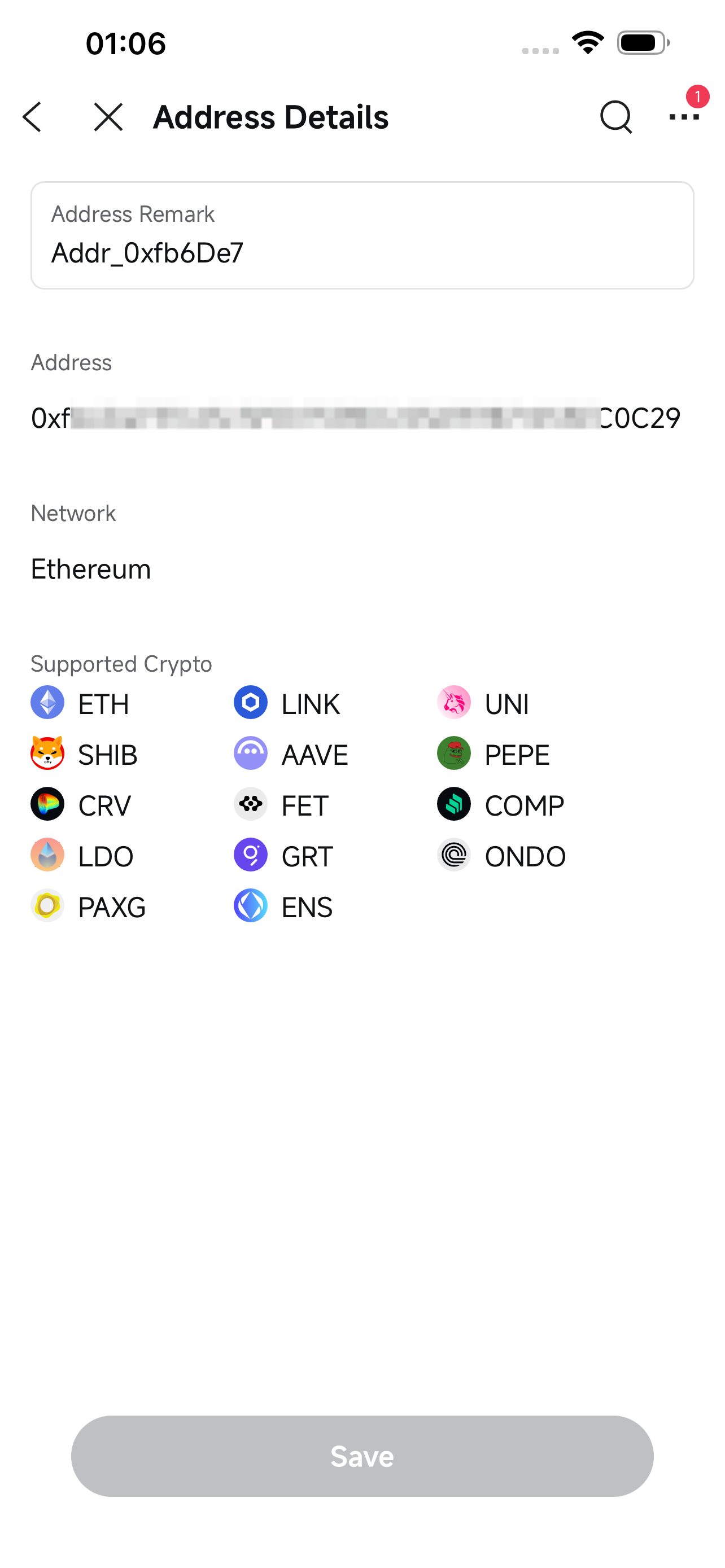
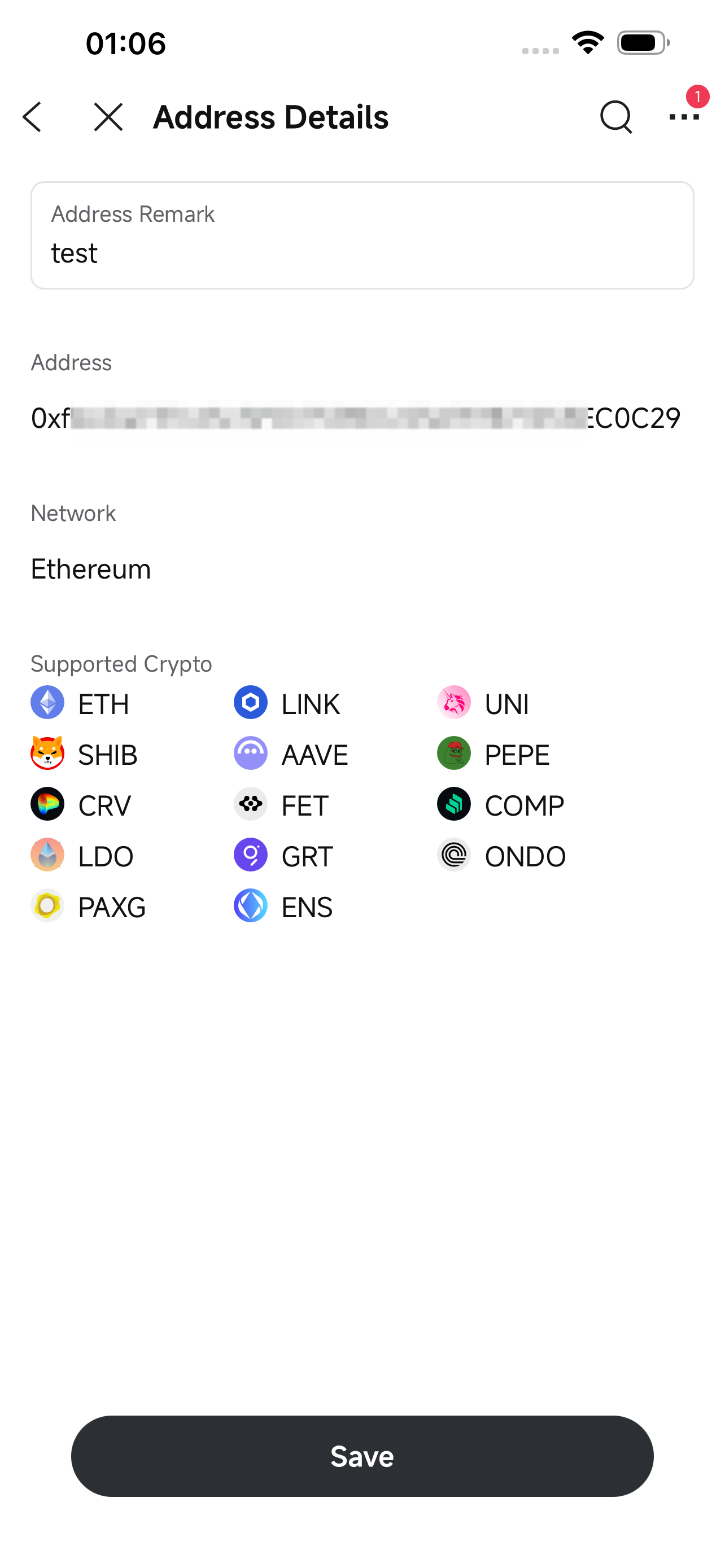
Tap an address to open its details page and edit its remark.
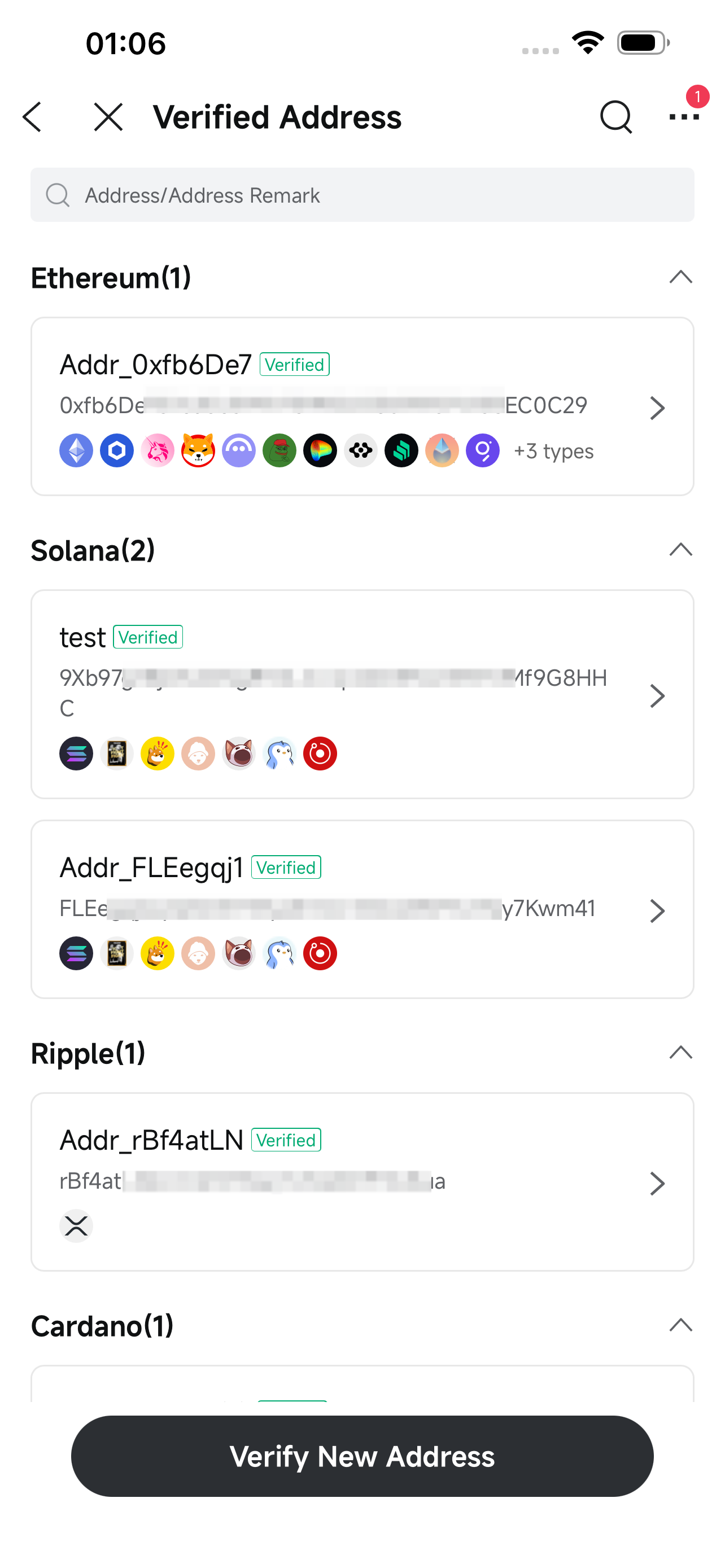
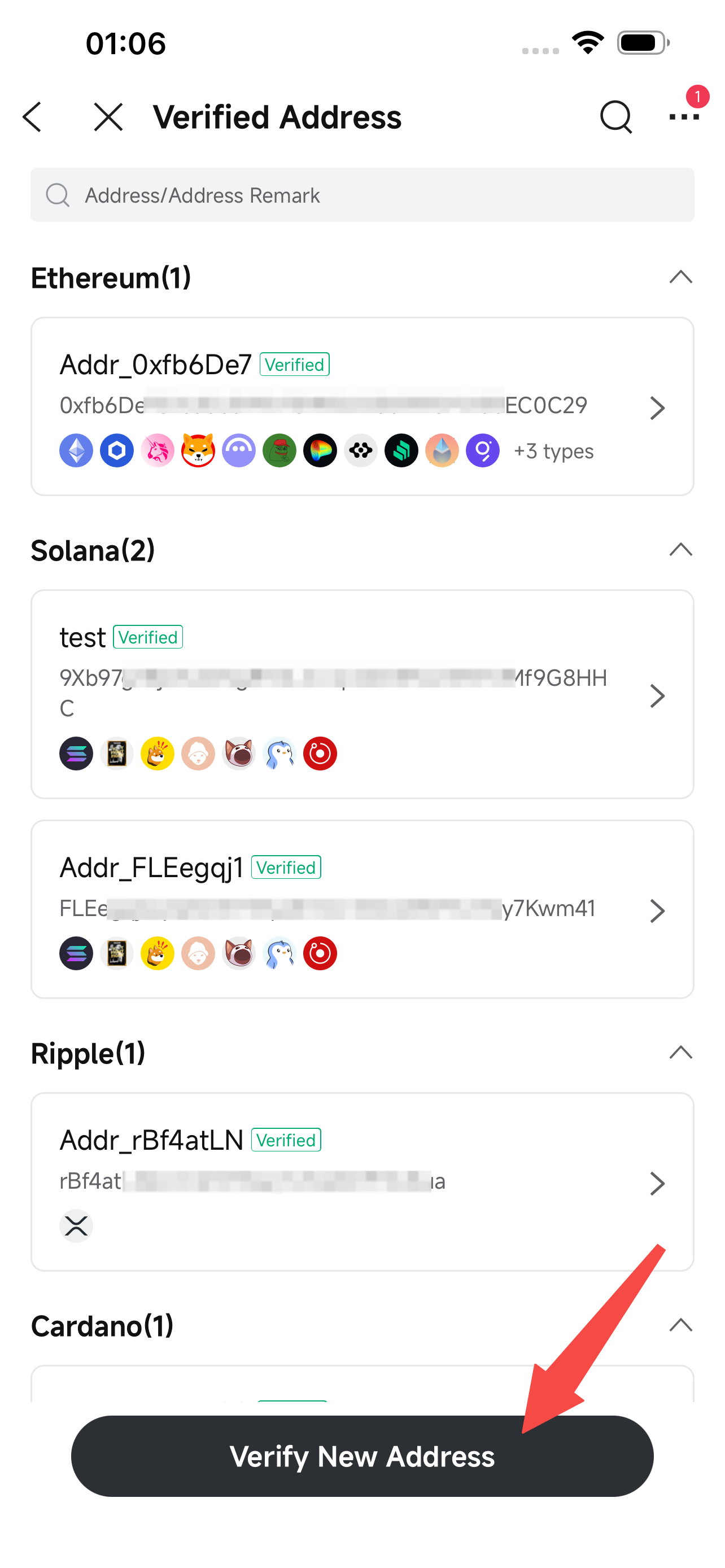
Tap the Verify New Address button to initiate a new small test transfer and add a new address.
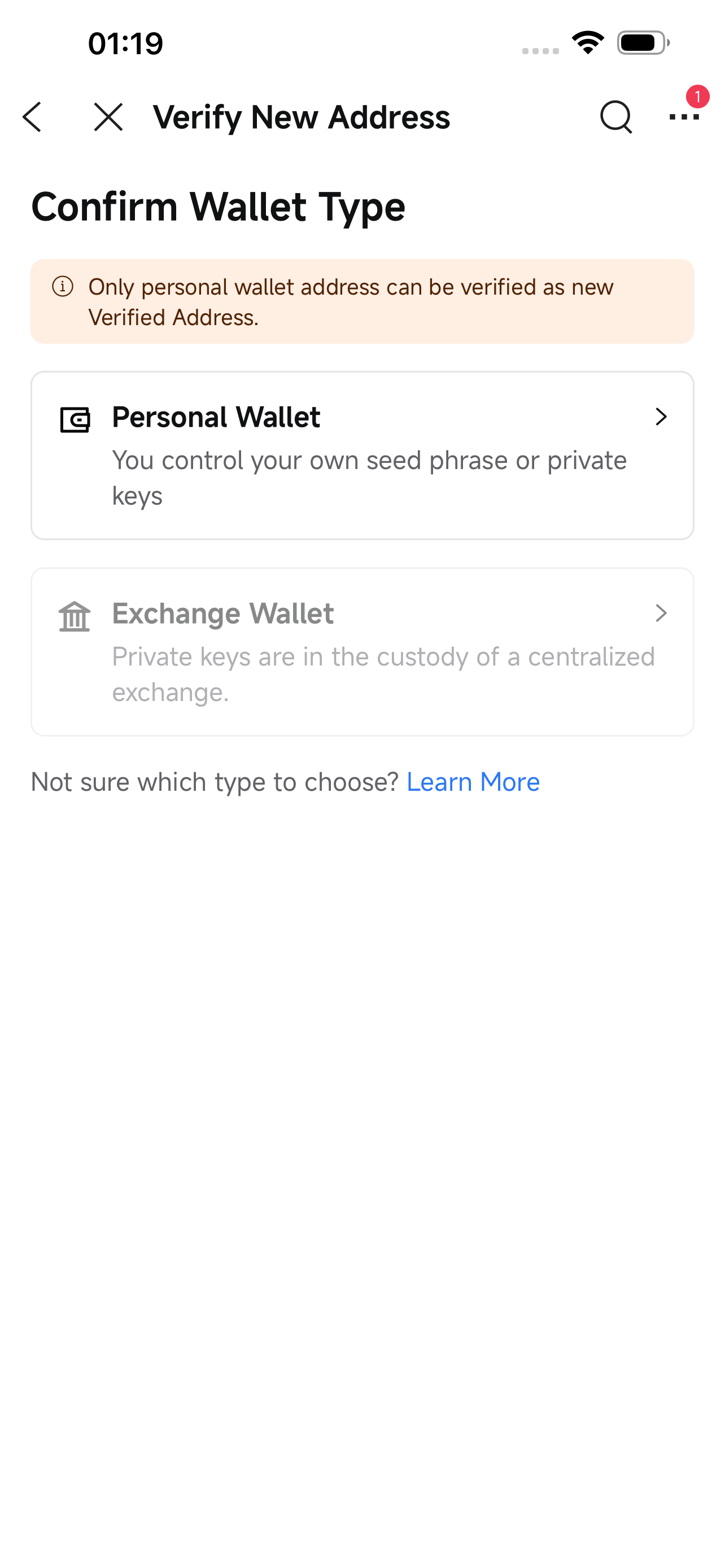
⚠️ Exchange wallets cannot be added as verified addresses.
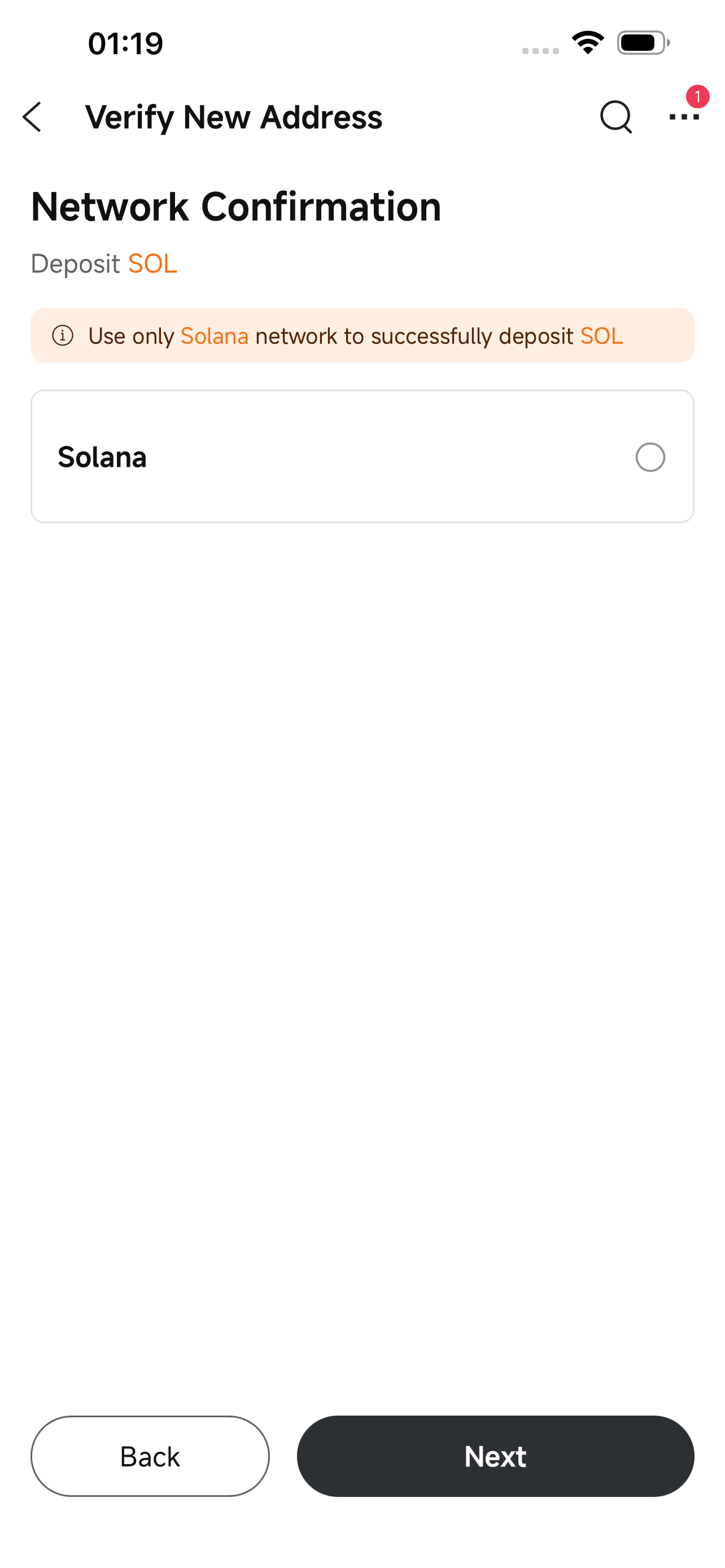
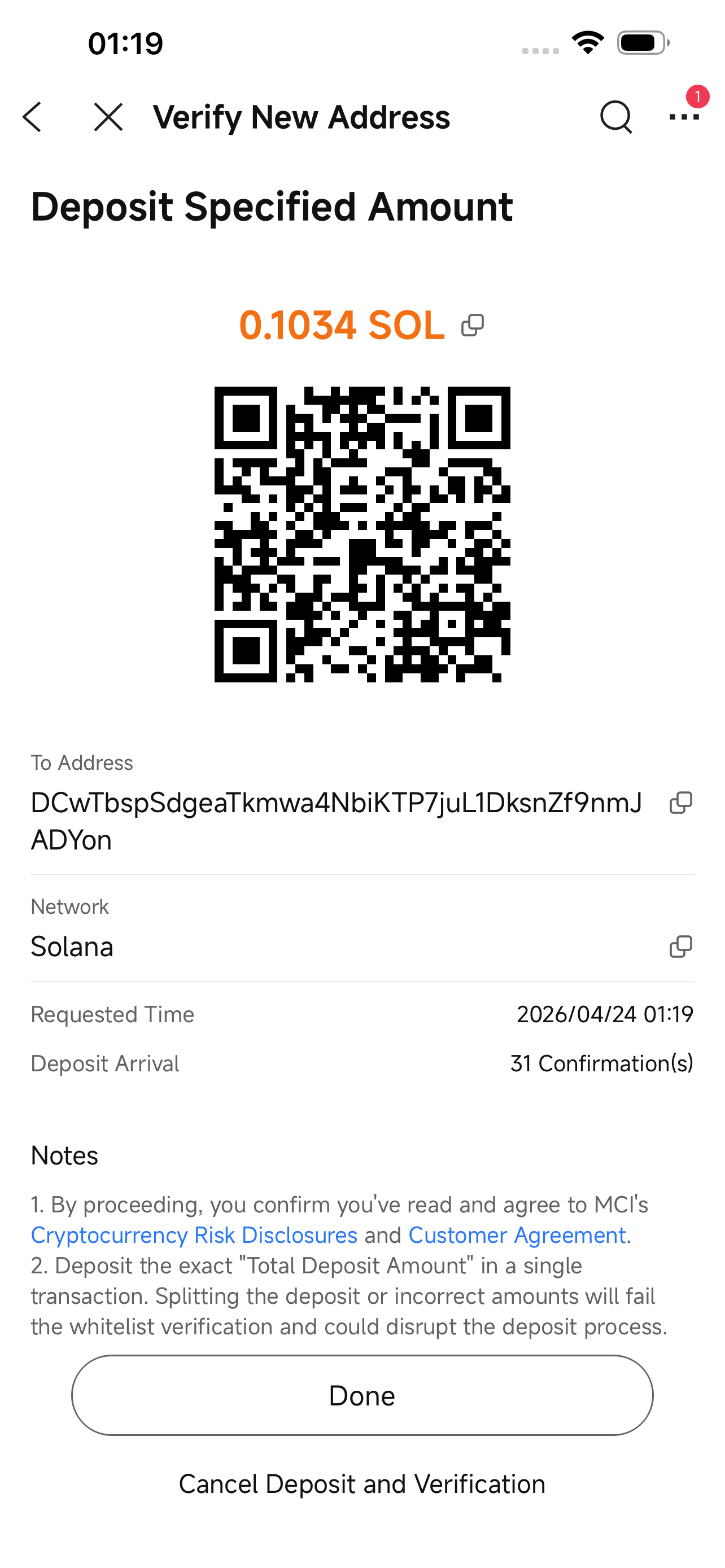
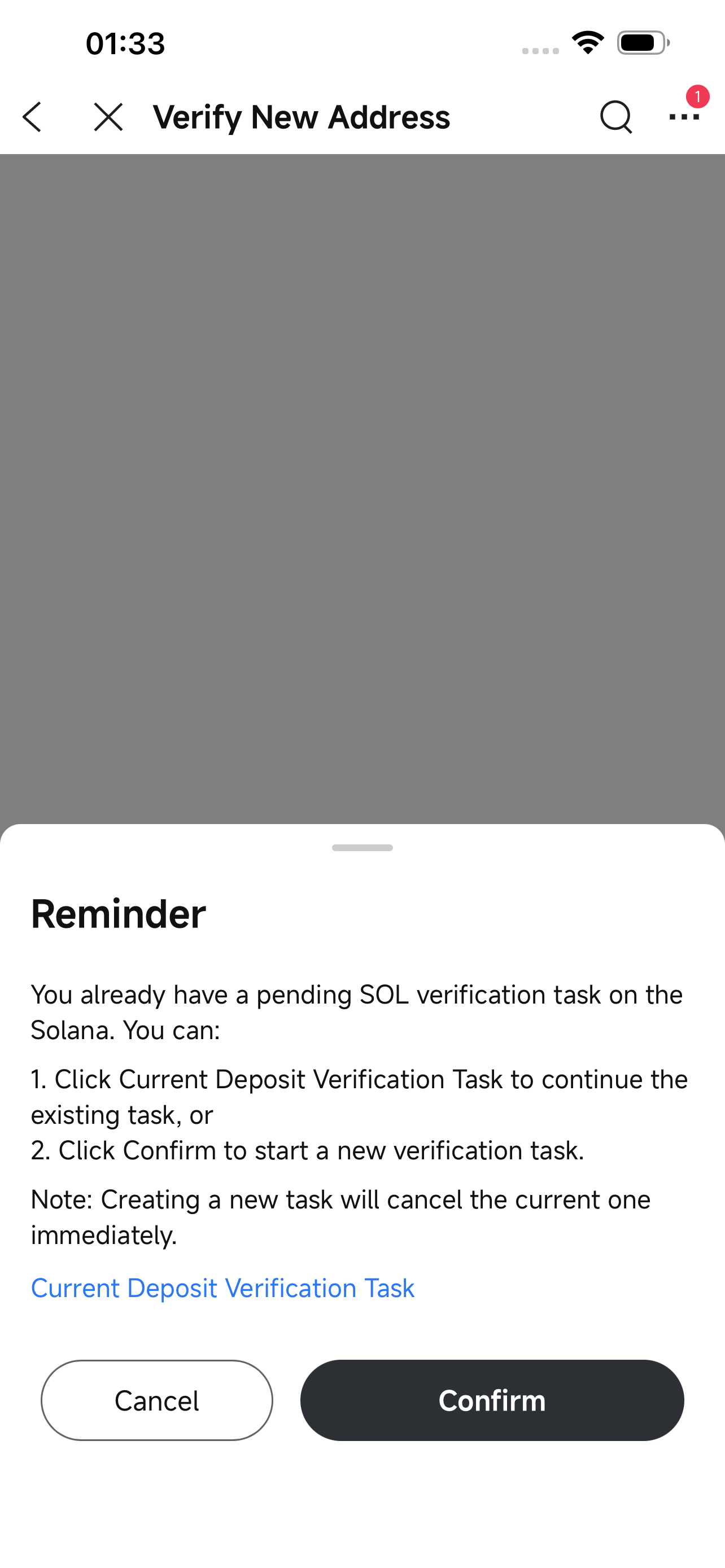
Each user can only have one active verification request per cryptocurrency at a time.
To cancel the current request, tap the Cancel Deposit and Verification button on the deposit page.
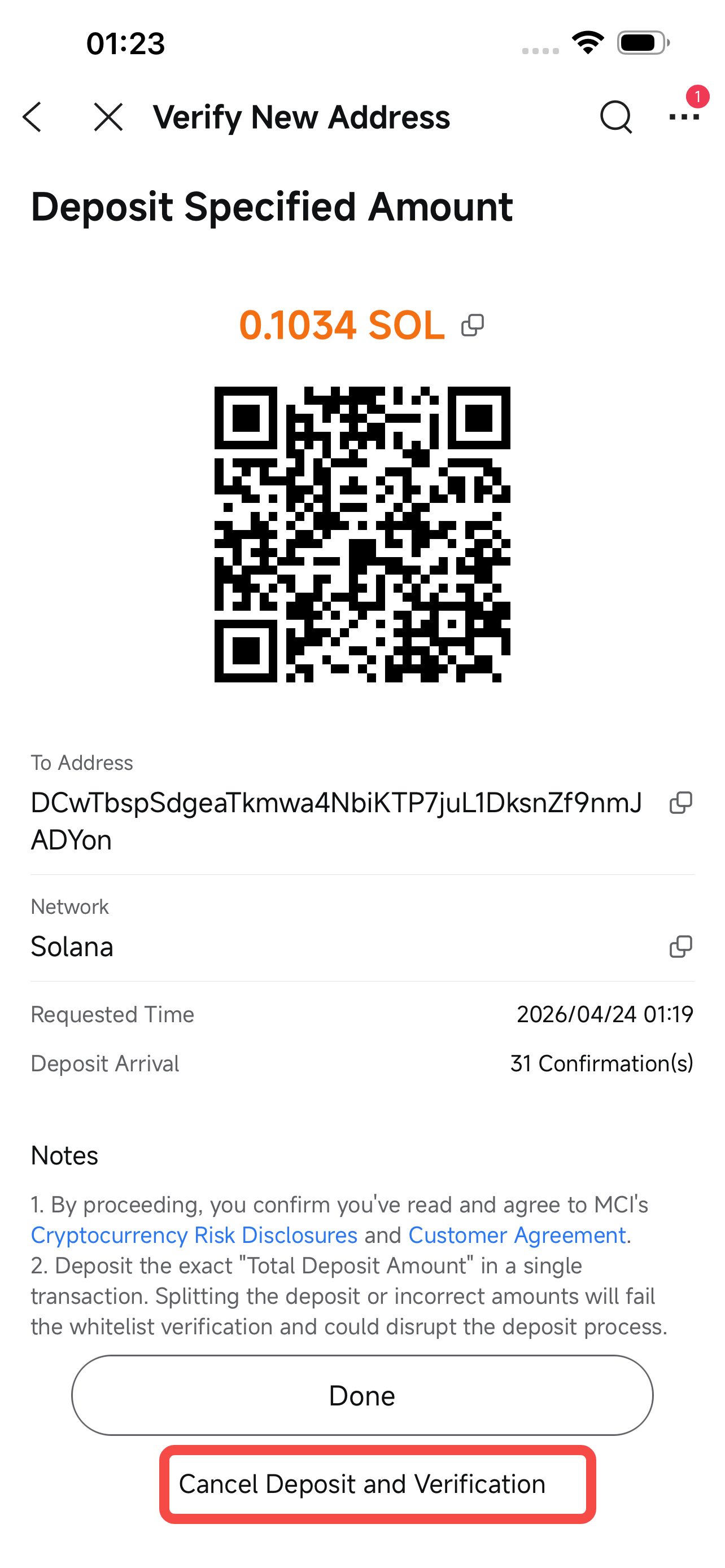
If there is already a pending request, a confirmation prompt will appear when you initiate a new one. Tap the Confirm button to cancel the existing request and start a new one.