Sample Name
Sample Code
Sample Name
Sample Code
Sample Name
Sample Code
4
NXP Semiconductors
NXPI
Step 1: Navigate to the Withdrawal Page
You can access the withdrawal page via two methods:
Main entry: Account Homepage > All, or go to your Crypto account, tap "More", scroll down to the "Cryptocurrency" section, and tap "Withdraw"
Quick entry: In your positions list, tap a supported coin and select "Withdraw"
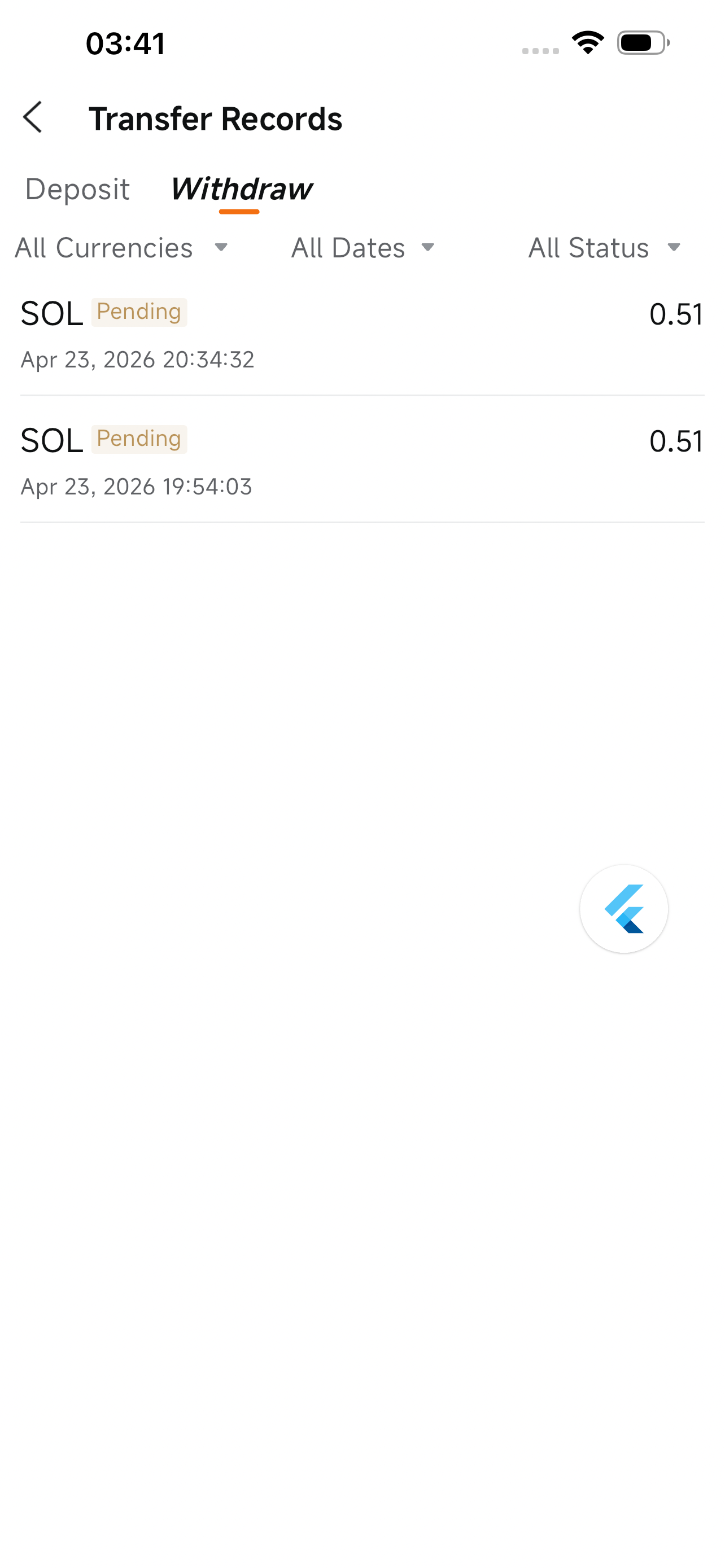
Step 2: Select a Cryptocurrency
Choose the coin you wish to withdraw (SOL is used as an example).
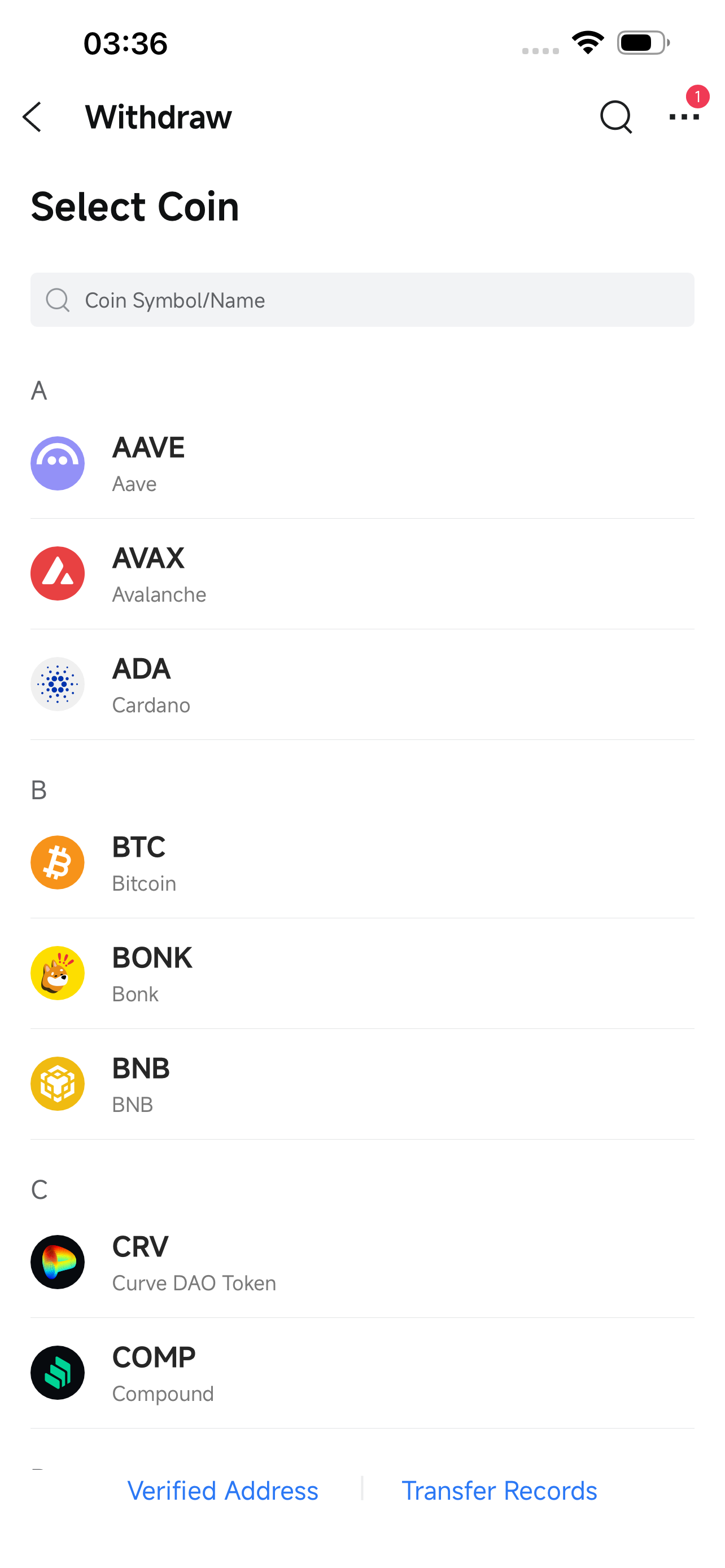
Step 3: Select a Network
Select the blockchain network that matches the receiving platform.
⚠️ The coin and network must exactly match those of the receiving platform. Selecting the wrong network may result in permanent loss of funds with no possibility of recovery.
Examples: BTC → Bitcoin; ETH → Ethereum; SOL → Solana
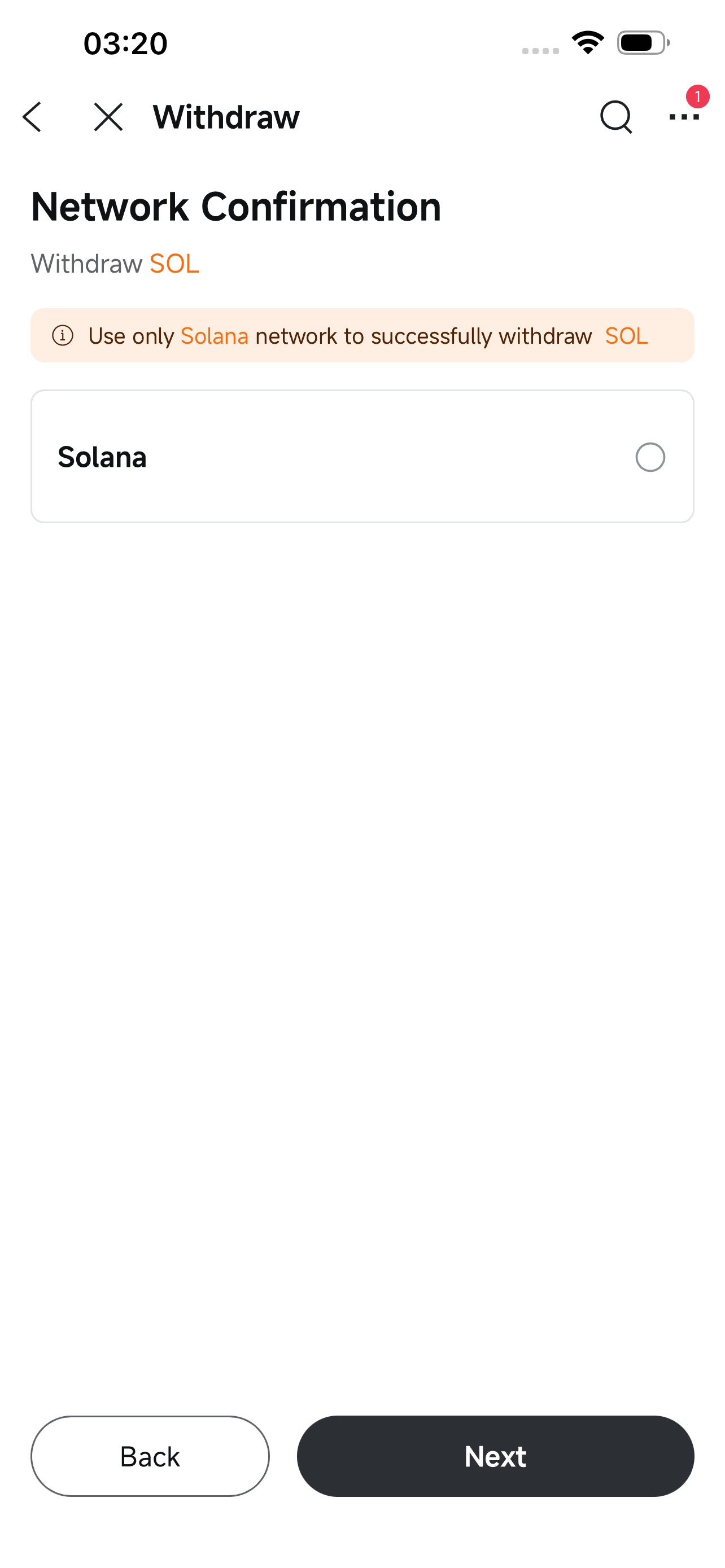
Step 4: Select Wallet Type
Withdrawals are currently supported to both personal wallets and exchange wallets. Please select the correct wallet type based on your situation — selecting the wrong type may cause the withdrawal to fail.
📌 The information below is for reference only. Please contact your wallet service provider to confirm.
Wallet Type | Description | Common Examples |
Personal Wallet | A wallet where you hold your own private key or seed phrase; also known as a self-custody wallet or Web3 wallet | MetaMask, Ledger, Trezor, hardware wallets |
Exchange Wallet | A wallet hosted by a centralized exchange; you do not hold the private key | Coinbase, Kraken, Bybit accounts |
💡 Some platforms offer both types of wallets — please distinguish carefully. For example: Binance Web3 Wallet / OKX Web3 Wallet are personal wallets; Binance Exchange / OKX Exchange are exchange wallets. If unsure, please contact your wallet provider to confirm.
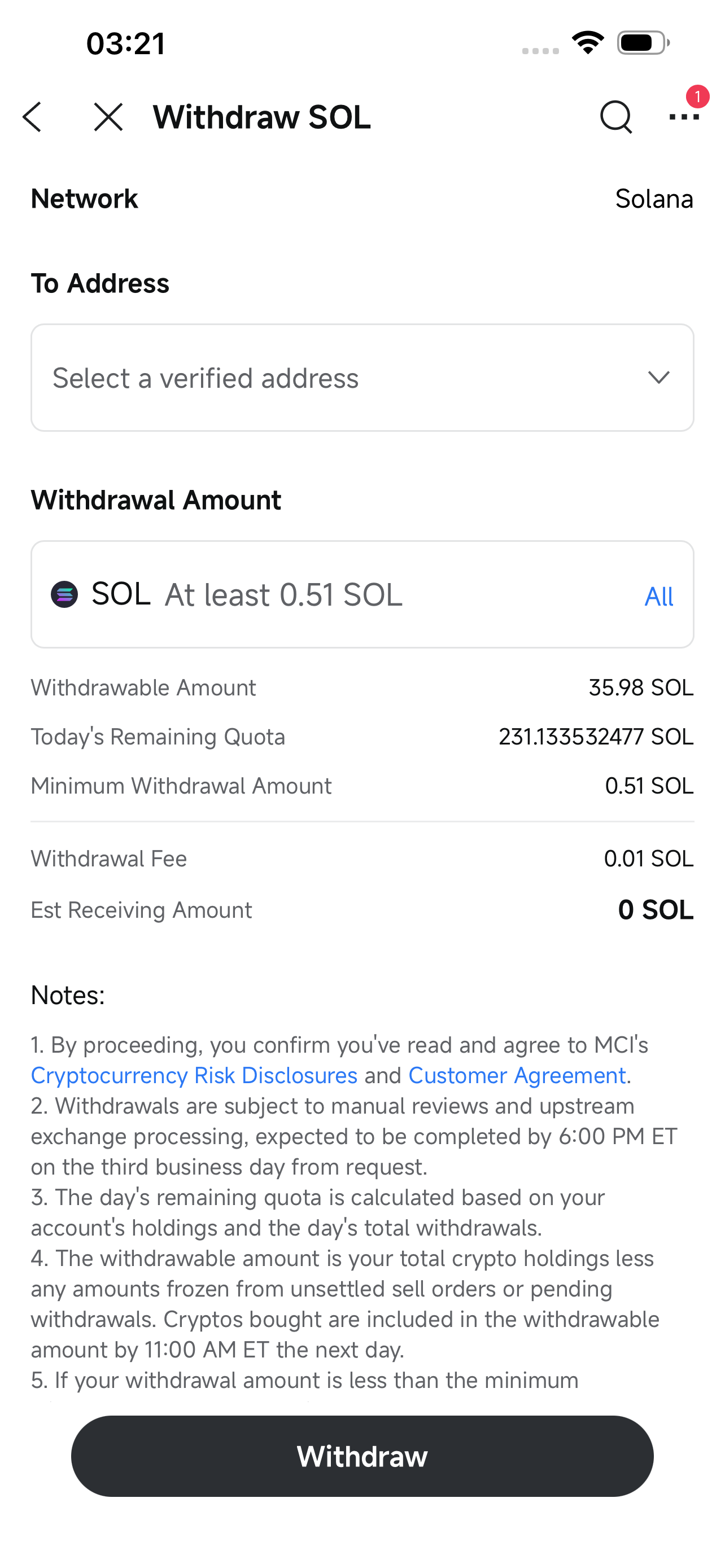
Step 5A: Withdraw to a Personal Wallet
When withdrawing to a personal wallet:
The destination address must be added to your address whitelist for more than 24 hours
To add a new address, tap "Use New Address" in the address dropdown to complete verification
Step 5B: Withdraw to an Exchange Wallet
When withdrawing to an exchange wallet:
Select the receiving exchange (must comply with the Travel Rule; only exchanges on our supported list are allowed — withdrawing to an unlisted exchange may result in failure)
Enter the withdrawal address for the exchange; double-check carefully, as an incorrect address may result in loss of funds
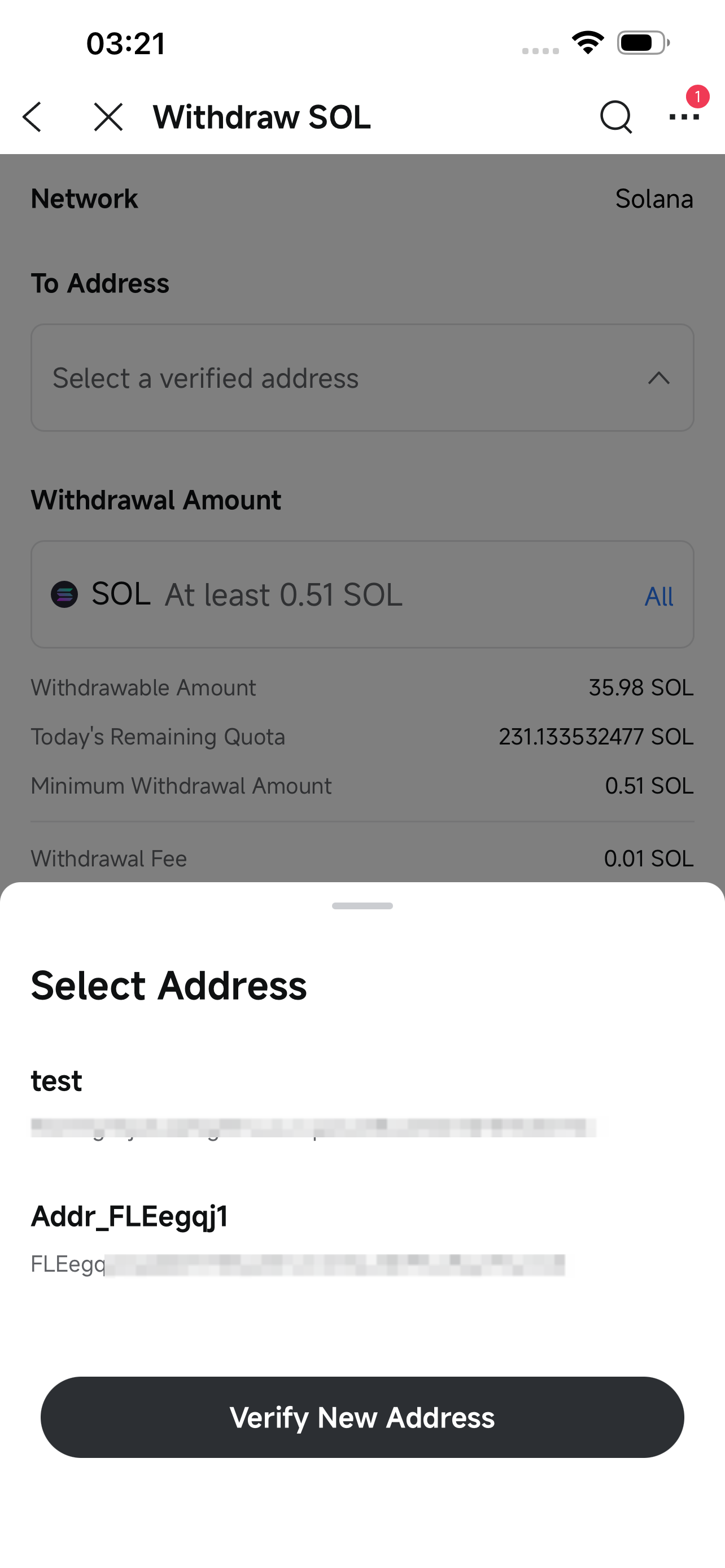
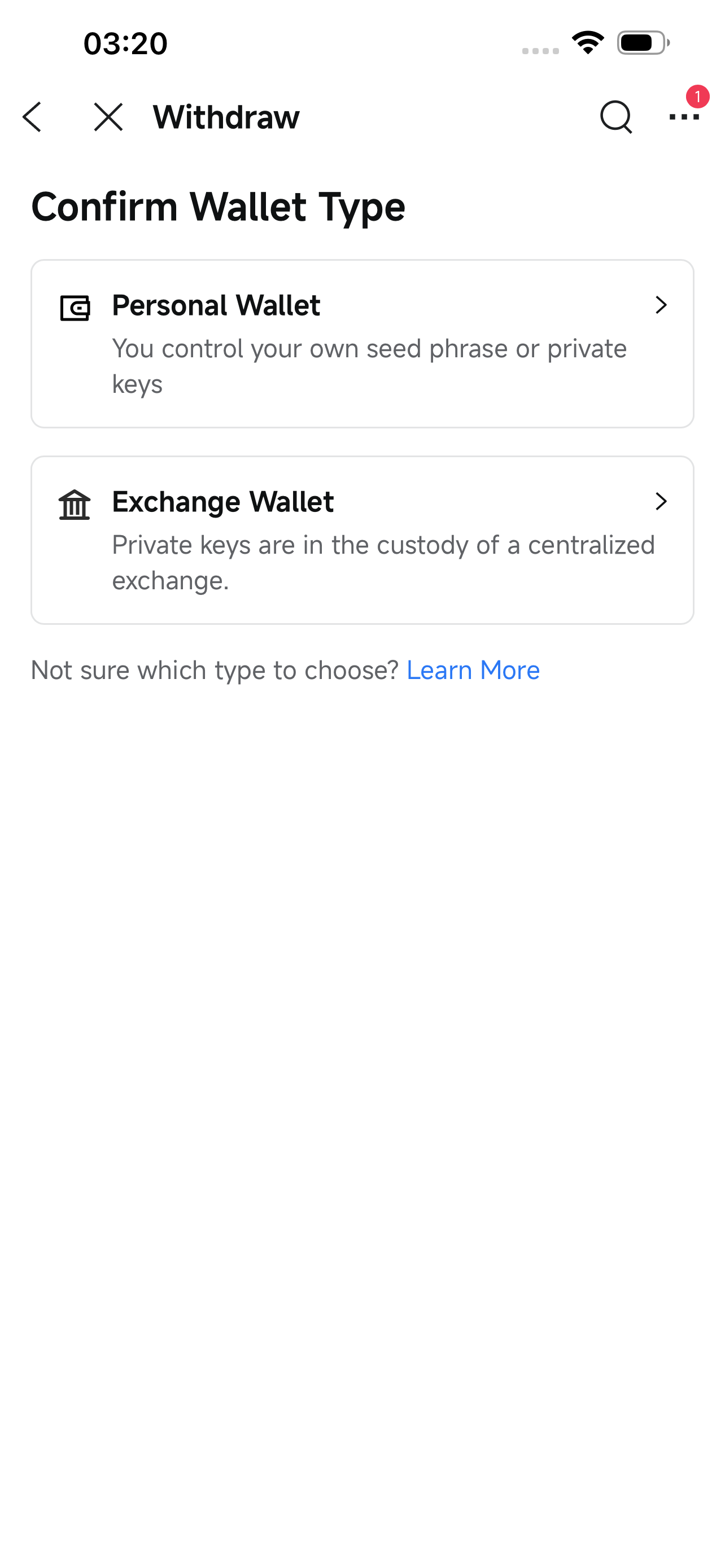
After a successful submission, the withdrawal will generally be processed by 6:00 PM ET on the third business day (the day of submission counts as day one).
If processing fails due to exceptional circumstances, the funds will be returned to your Crypto account immediately. You can tap the link in the system notification to view the withdrawal detail page, where you can see the failure reason and next step.
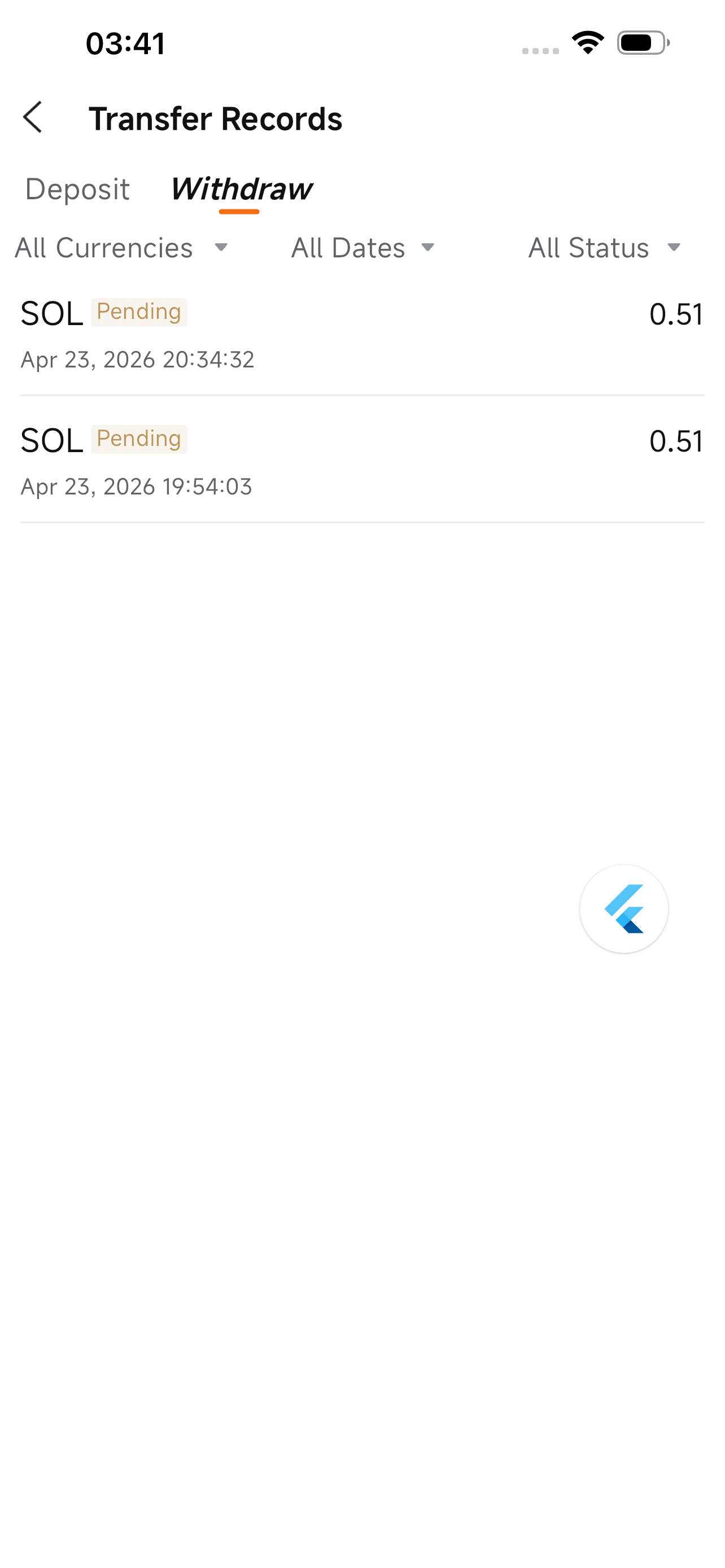
To view withdrawal details, go to:
APP: Account Homepage > All > Cryptocurrency > Deposit & Withdrawal Records > tap the relevant record for details
Crypto Account: Account > More > Cryptocurrency > Withdrawal Records > tap the relevant record for details
Available Withdrawal Amount
The amount available for withdrawal is your total holdings in that coin minus any frozen amount. Frozen amounts arise from: unfilled sell orders and incomplete withdrawal orders. Cryptocurrency purchased today will become available for withdrawal at 9:15 AM ET the following day.
Remaining Daily Withdrawal Limit
Calculated based on your account holdings and the cumulative amount already withdrawn today. Requests exceeding the remaining daily limit will not be approved.
Minimum Withdrawal Amount
The minimum execution amount set by our upstream exchange. Withdrawals below this amount will not be executed.
Withdrawal Fee
A fixed on-chain transaction fee applies to each withdrawal (specific amounts to be updated).
Please ensure your app has been updated to version 16.14.25008 or above.
The withdrawal feature is being rolled out gradually. If you do not see the relevant entry, your account has not yet been included in the rollout.

