Sample Name
Sample Code
Sample Name
Sample Code
Sample Name
Sample Code
4
NXP Semiconductors
NXPI
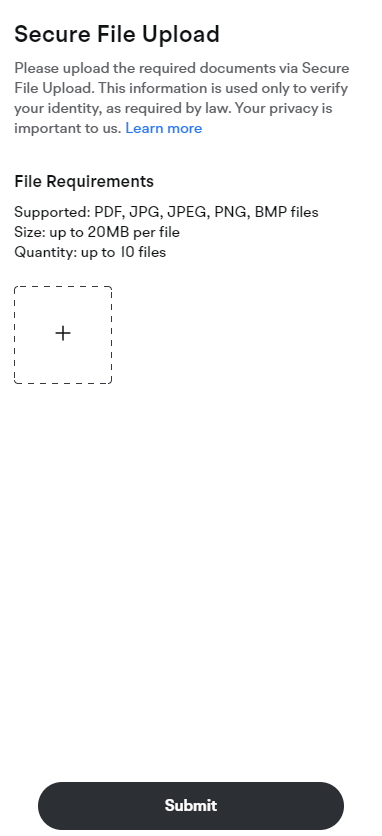
Moomoo may require you to provide certain documents to ensure that your account information is up to date. Here are the steps to upload documents through the Secure File
Upload portal:
1. Check your email for a message from moomoo that contains a link to the Secure File Upload portal and the requirements for the documents you need to provide.
2. Once you have prepared the documents, click on the link to go to the Secure File Upload portal. If you are not logged into moomoo, you will be redirected to the login page.
3. Upload the documents as instructed.
4. Reply to our email to confirm that you have uploaded the documents so that we can begin the review process. If possible, attach a reference number to help us locate the uploaded documents.