


ASML Holding
ASML
Microsoft
MSFT
NVIDIA
NVDA
4
Taiwan Semiconductor
TSM
5
Cisco
CSCO
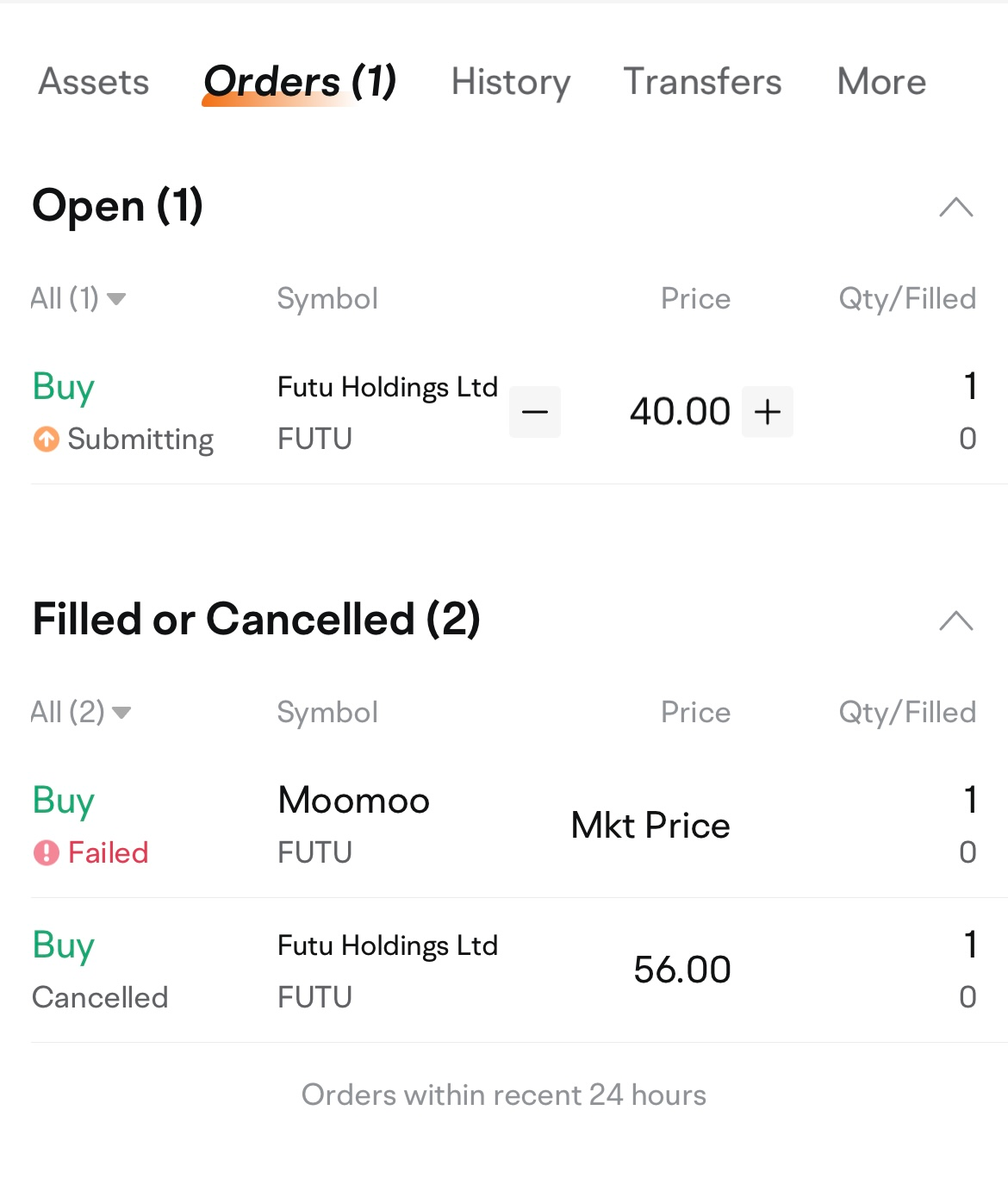
Here is how you can modify or cancel an order:
1. In the mobile app: tap Accounts > Orders. If the order is still pending, tap Order > Edit or Cancel.
2. In the desktop app: click Accounts > Orders. If the order is still pending, click Edit or Cancel.